
SysMIC offers online training for the bioscience community.
Our aim is to develop participants’ maths and computing skills and support effective interdisciplinary research and collaboration. These are increasingly important in research and have been highlighted as priority areas by the BBSRC and MRC in a recent report on training provision‡.
What training do we provide?
Our modules cover introductory and advanced techniques in maths and computing for use in interdisciplinary bioresearch.
Participants learn how to use MATLAB to model, simulate and analyse biological systems, and how to use the R statistics and Python packages to analyse data.
Our Modules

Module 1 – Introduction in Quantitative Skills for Bioscience
– Introduction to MATLAB programming
– Working with networks
– Modelling systems
– Statistical analysis using R
– Bioinformatics using Python

Module 2 – Advanced Quantitative Skills for Bioscience
– Discrete systems
– Principal Component Analysis (PCA)
– Bistable systems
– Spatio-temporal systems
– Stochastic systems
– Parameter fitting (classical & Bayesian)

Module 3 – Individual Research Project (Currently Unavailable)
Apply the skills you have developed to a topic of interest in your own area of research with support from the SysMIC team.
How the course works
Modules are taught over 6 months and require around 5 hours of study per week.
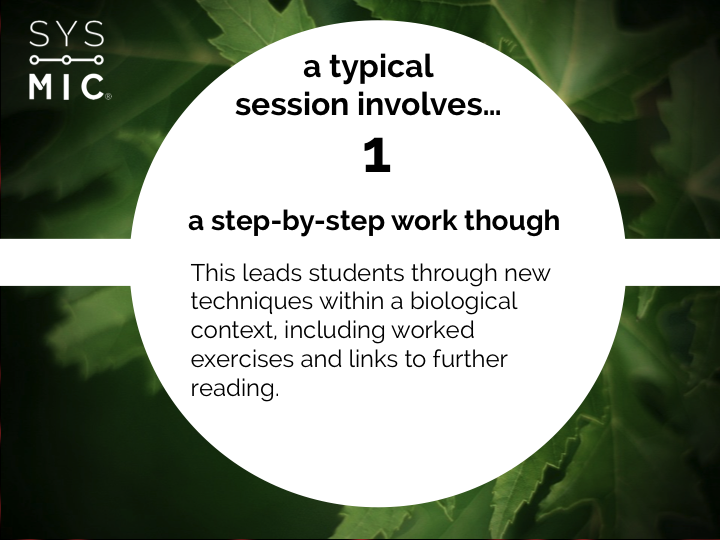
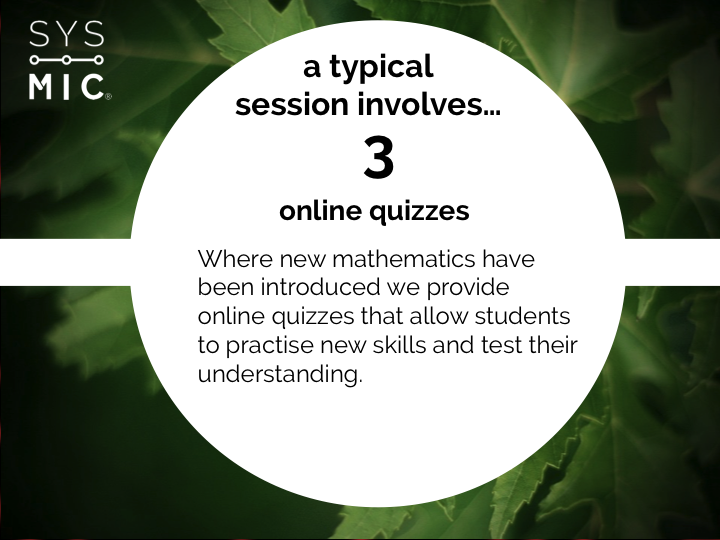
Each session includes rich and comprehensive materials based around biological examples with quizzes, exercises and model answers. Participants can obtain help from our tutors in our online forums, or during video webcasts.
EXAMPLE: THE REPRESSILATOR
Who learns with us?
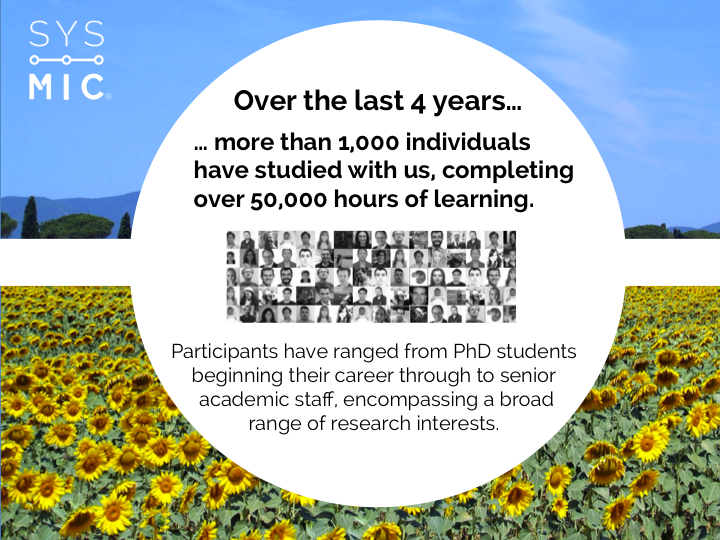
Over 3,000 bioscientists from more than 100 institutes have trained with us, completing over 150,000 hours of learning.
We provide training for both individuals and cohorts from institutes around the UK. This includes PhD students beginning their career through to established researchers improving their skillset.
How can I join?
Key information about SysMIC
What is SysMIC?
SysMIC is an online course in maths and computing skills created for the bioscience research community. We provide three training modules that take participants from the basic first principles through to advanced and applied methods in systems biology and data analysis.
What training does SysMIC provide?
We provide three training modules:
M1 – Introduction in quantitative skills for bioscience
M2 – Advanced quantitative skills for bioscience
M3 – Individual research project (currently unavailable)
You can learn more about the contents of the modules here.
Who runs SysMIC?
The SysMIC course was developed as a collaboration between University College London, the Open University, Birkbeck College and the University of Edinburgh.
You can find out more about our team here.
Which module should I study?
Participants should start by taking Module 1. This provides an introduction to biological modelling and analysis. It is designed so that it is accessible to those with no prior experience in computer programming and includes comprehensive background materials for those who may not have studied maths to an advanced level. Participants who have prior programming experience are also encouraged to start with this module, as it is shows how these skills can be used in a new context to build and analyse biological systems.
Module 2 provides advanced training for those participants who wish to go on to further develop their skills. It is aimed at those with strong aptitude for mathematical and computational work, and introduces participants to more sophisticated techniques in systems modelling and data analysis.
Participants who successfully complete of the first two modules, are offered the opportunity to study Module 3 (currently unavailable). This involves an individual project in which participants are supported by SysMIC staff and tutors as the apply the skill set developed in a research context. Examples of potential projects are: reproducing an analysis from literature; developing a biological model; or the applying techniques to analyse your own experimental data.
Studying with SysMIC
How much study is involved?
Each module should take approximately 6 months to complete.
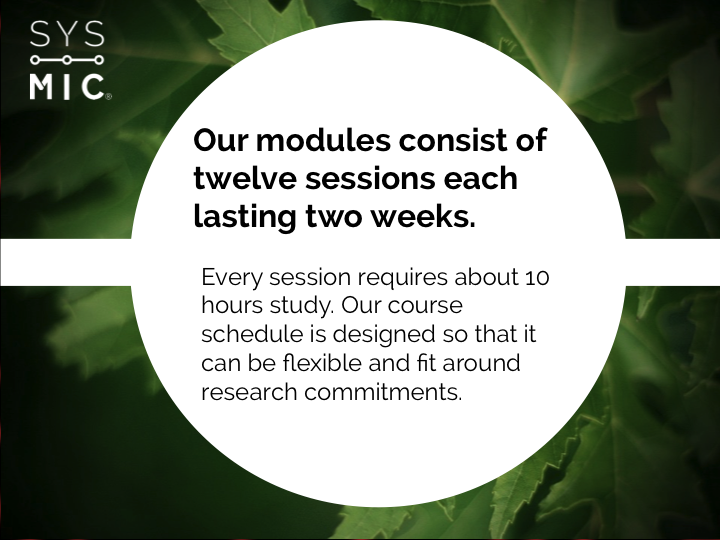
The introductory and advanced modules are broken into fortnightly sessions each with a different topic. Each session should involve around 10 hours of study. This may vary depending on prior experience, and how deeply participants wish to go into the background materials and optional activities.
What software does the course require?
As part of the module fee we provide participants with an educational license for installing MATLAB, along with the SimBiology and BioInformatics toolboxes. In addition the course uses the open source R statistics and Python packages. We provide instructions and support for installation of this software, which is available for Windows, Mac OS and Linux.
What if I miss the session deadlines?
We provide a suggested schedule for completing modules that will ensure completion within the 6 month period, and includes flexibility through optional sessions and “catch up” periods.
We are aware that research often involves variable workloads and commitments, so this schedule is advisory only; our principle being to provide flexible and useful training that works for the bioscience research community.
How can I get help?
Help is provided through our online forums. These are staffed by expert tutors, who are on hand to help with any questions or problems you encounter while studying.
How are modules assessed?
At the end of modules participants complete a miniproject investigation, writing up their work in a short report. Each report is reviewed by a SysMIC tutor, who will provide individualised feedback and verify it shows evidence that the participant has used and understood the skills covered in the module.
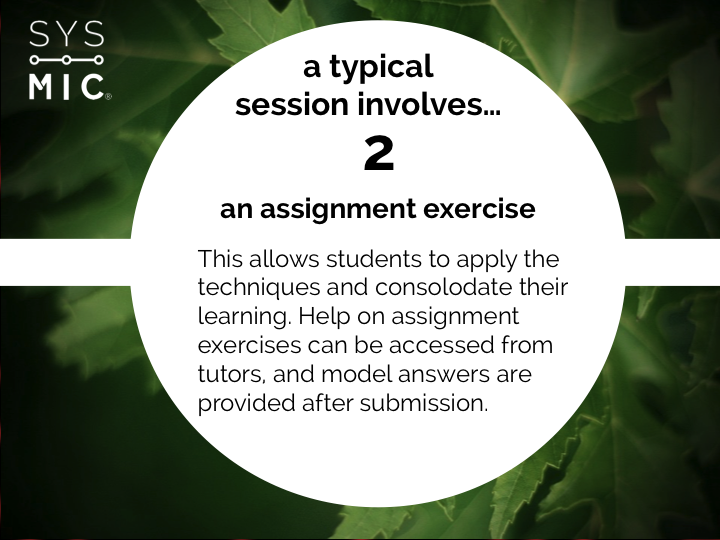
The assignments we set allow you to test your understanding and practise your skills but are not formally graded. Once you submit your work you will be provided with model answers so you can review your work, and have the opportunity to seek further help from tutors if necessary.
Can I select to study only the individual parts of the module that interest me?
We strongly encourage all participants to work through the full module. The focus of SysMIC is improving interdisciplinary skills and encouraging researchers to develop new ways of approaching their research.
What will I get at the end of the course?
Participants who complete a module gain a certificate that details their achievements on the course. In addition the course is approved by the Royal Society of Biology for the purposes of CPD and members can claim 360 points on their CPD scheme. This can be used towards Chartered Biologist status.
Can I access materials at the end of the course?
Yes. Access to course materials will last for the duration of the SysMIC project so that you can return and access the textbook and activities as and when it may be useful.
Signing Up for SysMIC
When do modules start?
We have two start dates for our modules each year (in early November and May).
Who can sign up to study?
SysMIC is open to all members of the bioscience research community both in academia and industry.
Do I need to sign up to all the modules at once?
No, we accept sign ups to the course on a module-by-module basis.
How much does SysMIC cost?
The standard cost of £1,500 includes both SysMIC Modules 1 and 2.
Please get in touch for details of discounts available to PhD students and group bookings.
Sign up now or get in touch with the SysMIC team for further information.
Starting dates are available in November and May each year.
The standard cost of £1,500 includes both SysMIC Modules 1 and 2. Contact us for information on group discounts and special rates available to PhD students.
CONTACT US